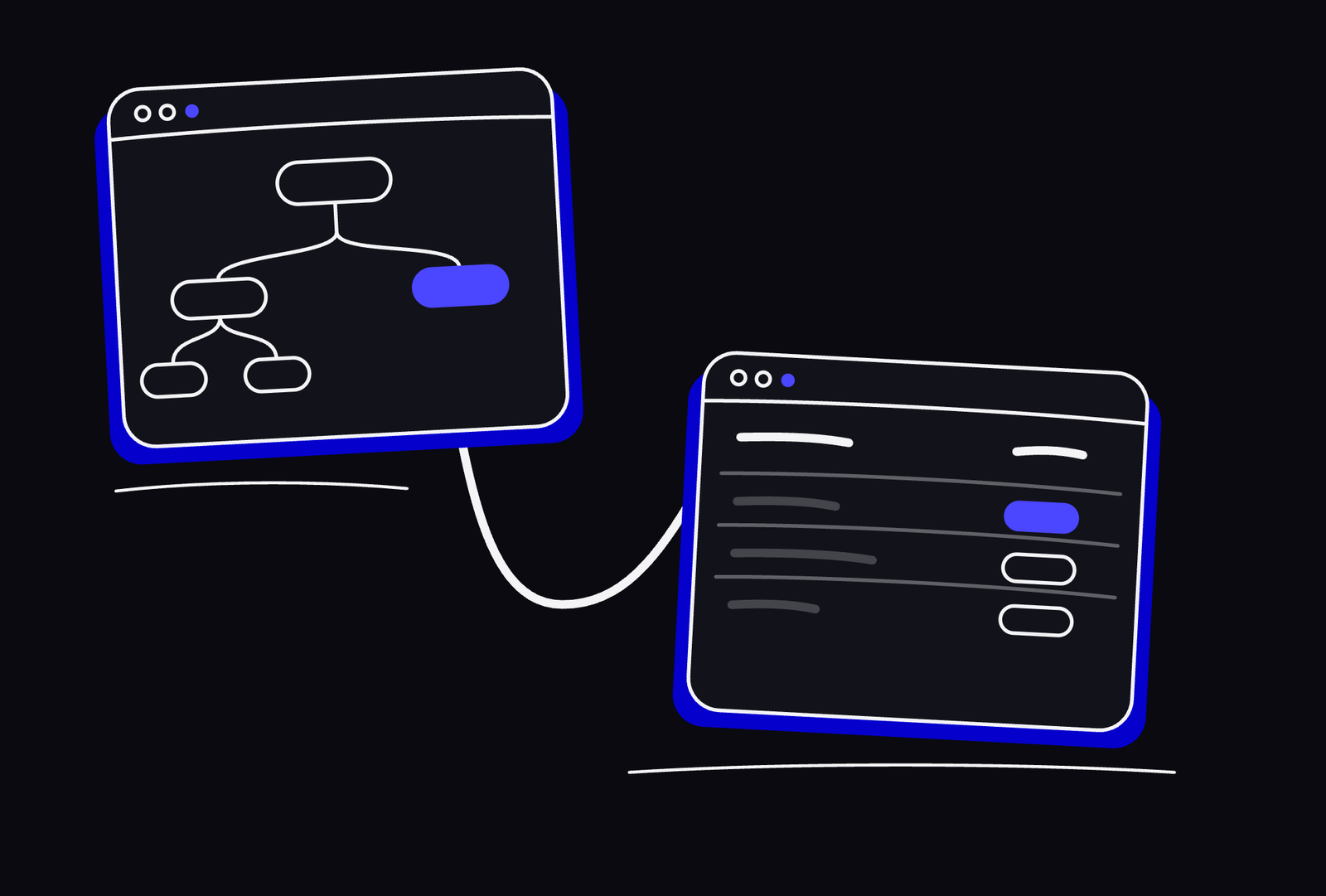
Every project starts with a sitemap everyone agrees on. Then the real work begins — and that shared picture quietly falls apart. TabMap keeps the map and the tracker in sync automatically, because they're the same thing.
| ID | Page | Parent | Content | Design | Dev |
|---|---|---|---|---|---|
| P1 | Homepage | — | Done | Done | Live |
| P2 | Services Hub | P1 | Done | In progress | In progress |
| P3 | Strategy & Advisory | P2 | In progress | To do | To do |
| P4 | Digital Transformation | P2 | To do | To do | To do |
| P5 | Technology Solutions | P2 | To do | To do | To do |
| P6 | Industries Hub | P1 | In progress | To do | To do |
| P7 | Financial Services | P6 | To do | To do | To do |
| P8 | Healthcare & Life Sciences | P6 | To do | To do | To do |
| P9 | Insights Hub | P1 | In progress | To do | To do |
| P10 | Research Reports | P9 | Done | In progress | To do |
| P14 | Partner Portal EXT | P1 | Done | Done | Live |
Pages get added, sections get renamed, features move. Nobody has time to update a diagram that isn't blocking anything right now. By mid-project it's a historical document — accurate as of the kickoff meeting, fiction after that.
Designers maintain a visual sitemap. PMs maintain a spreadsheet. Every time a page gets added, someone has to remember to update both — which means one is always slightly wrong. The team is never working from the same picture.
Which pages link to which, where each button goes, what the intended user journey is — no sitemap tool captures this. No spreadsheet captures this. It lives in comments, in Figma prototypes nobody reads, or in the mind of the one person who remembers.
Switch between a full-detail table — edit statuses, parents, and CTA links inline — and a visual tree map that shows the complete hierarchy at a glance. Both views are always in sync. Toggle CTA connections on or off to reduce noise when you need focus.
| ID | Page title | URL | Parent | Template | Content UX | Desktop | Mobile | Dev |
|---|---|---|---|---|---|---|---|---|
| P1 | Homepage | / | — | T-Home | Complete | Complete | In Progress | Live |
| P2 | Services Hub | /services/ | P1 | T-Hub | Complete | In Progress | To Do | In Progress |
| P3 | Strategy & Advisory | /services/strategy/ | P2 | T-Service | In Progress | To Do | To Do | To Do |
| P4 | Digital Transformation | /services/digital/ | P2 | T-Service | To Do | To Do | To Do | To Do |
| P5 | Technology Solutions | /services/technology/ | P2 | T-Service | To Do | To Do | To Do | To Do |
| P6 | Managed Services | /services/managed/ | P2 | T-Service | To Do | To Do | To Do | To Do |
| P7 | Industries Hub | /industries/ | P1 | T-Hub | In Progress | In Progress | To Do | To Do |
| P8 | Financial Services | /industries/financial/ | P7 | T-Industry | To Do | To Do | To Do | To Do |
| P9 | Healthcare & Life Sciences | /industries/healthcare/ | P7 | T-Industry | To Do | To Do | To Do | To Do |
| P10 | Retail & Consumer | /industries/retail/ | P7 | T-Industry | To Do | To Do | To Do | To Do |
| P11 | Energy & Utilities | /industries/energy/ | P7 | T-Industry | To Do | To Do | To Do | To Do |
| P12 | Insights Hub | /insights/ | P1 | T-Hub | In Progress | To Do | To Do | To Do |
| P13 | Research Reports | /insights/research/ | P12 | T-Article | Complete | In Progress | To Do | To Do |
| P15 | Case Studies | /insights/cases/ | P12 | T-Article | To Do | To Do | To Do | To Do |
| P16 | Careers Hub | /careers/ | P1 | T-Hub | To Do | To Do | To Do | To Do |
| P17 | Open Roles | /careers/roles/ | P16 | T-List | To Do | To Do | To Do | To Do |
| P20 | Partner Portal EXTERNAL | partners.vertexgroup.com | P1 | — | Complete | Complete | Complete | Live |
| Page | Content UX | Desktop | Mobile | Dev |
|---|---|---|---|---|
| Homepage | Done | Done | In Prog. | Live |
| Services Hub | Done | In Prog. | To Do | In Prog. |
| Strategy & Advisory | In Prog. | To Do | To Do | To Do |
| Digital Transformation | To Do | To Do | To Do | To Do |
Visually distinct in map and table — never confused with main site pages.
No new workflow to learn. Start in the table — the sitemap takes care of itself from there.
Start from scratch or paste in your existing page list. Set parent pages to define the hierarchy. The visual sitemap generates itself.
Update Content UX, Desktop, Mobile, and Dev status inline. One click. Everyone on the project sees the same picture in real time.
Define which pages link to which. Toggle the layer on in the map to show user journeys, off for a clean architecture view. Developers get a source of truth that doesn't require reading a Figma prototype.
The map updates the moment the table does. There's no separate sitemap to maintain — just the data, and two ways to look at it. The structural clarity you had at kickoff stays intact through to launch.
Cancel anytime. No credit card required to start.
For agencies running website projects with a small, focused team.
No credit card required to start
For growing agencies juggling multiple clients and projects simultaneously.
No credit card required to start
For organisations with multiple teams running concurrent web projects at scale.
Typically responds within one business day
Built for agencies and in-house teams running complex website projects. One shared dataset — two views, no drift.
Get started →